
IDEC micro PLCs offer powerful features and advanced functionality without complicated programming. Want to learn practical PLC and HMI skills and knowledge so you can hit the ground running? IDEC training courses not only give you the ability to program, debug and maintain IDEC automation systems, but also provide you with the hardware and software you need to get started on your designs as soon as you leave. The hands-on, interactive structure of these classes utilizes real-world examples to provide a complete technical education in just four days. And with small class sizes, you can expect to get personalized, one-on-one attention, including time with IDEC experts to ask specific application questions and get help finding the solutions you need.
IDEC training courses are highly recommended for all OEM, technicians, supervisors, engineers, designers, machine builders, system integrators, maintenance personnel and end users with IDEC equipment. Anyone involved with the design and integration/operation of programmable logic controllers in industrial automation. Anyone who wants to maximize their practical skills and knowledge of IDEC automation products in order to improve work efficiency will benefit greatly from these courses.
Attendees are responsible for bringing a personal laptop with the IDEC Automation Organizer software suite installed. A link to download this software will be provided after registration is complete. Note: If there is a problem installing the software, please contact IDEC Technical Support at 1-800-262-4332 or [email protected] to resolve any issues before attending the seminar.
The following operating systems are supported by Automation Organizer:
System Requirements
Securing hotel accommodations is the responsibility of the attendee. IDEC can provide a list of local hotels if requested. Generally, a discount will be given to attendees booking reservations at the hotel where the training is held. When making your reservation, please mention IDEC training to receive this special discount.
Lunch will be provided, as well as snacks in the morning and afternoon.
4-Days Training With Package
We believe the best way to retain what you’ve learned after attending our training is having the actual products. That’s why we offer a one-time purchase training package as registration cost to the training seminar. This includes a PLC, HMI, Ethernet switch, power supply, cable and software. This is best for users who want to participate in a comprehensive learning program focused on IDEC automation systems, and would like to leave with the knowledge, experience, and products to immediately get started.
Pick one of the four options below as a registration cost to the training seminar.
| Package Price | $899 $1663
|
|||||||||||
|---|---|---|---|---|---|---|---|---|---|---|---|---|
| Product Image | 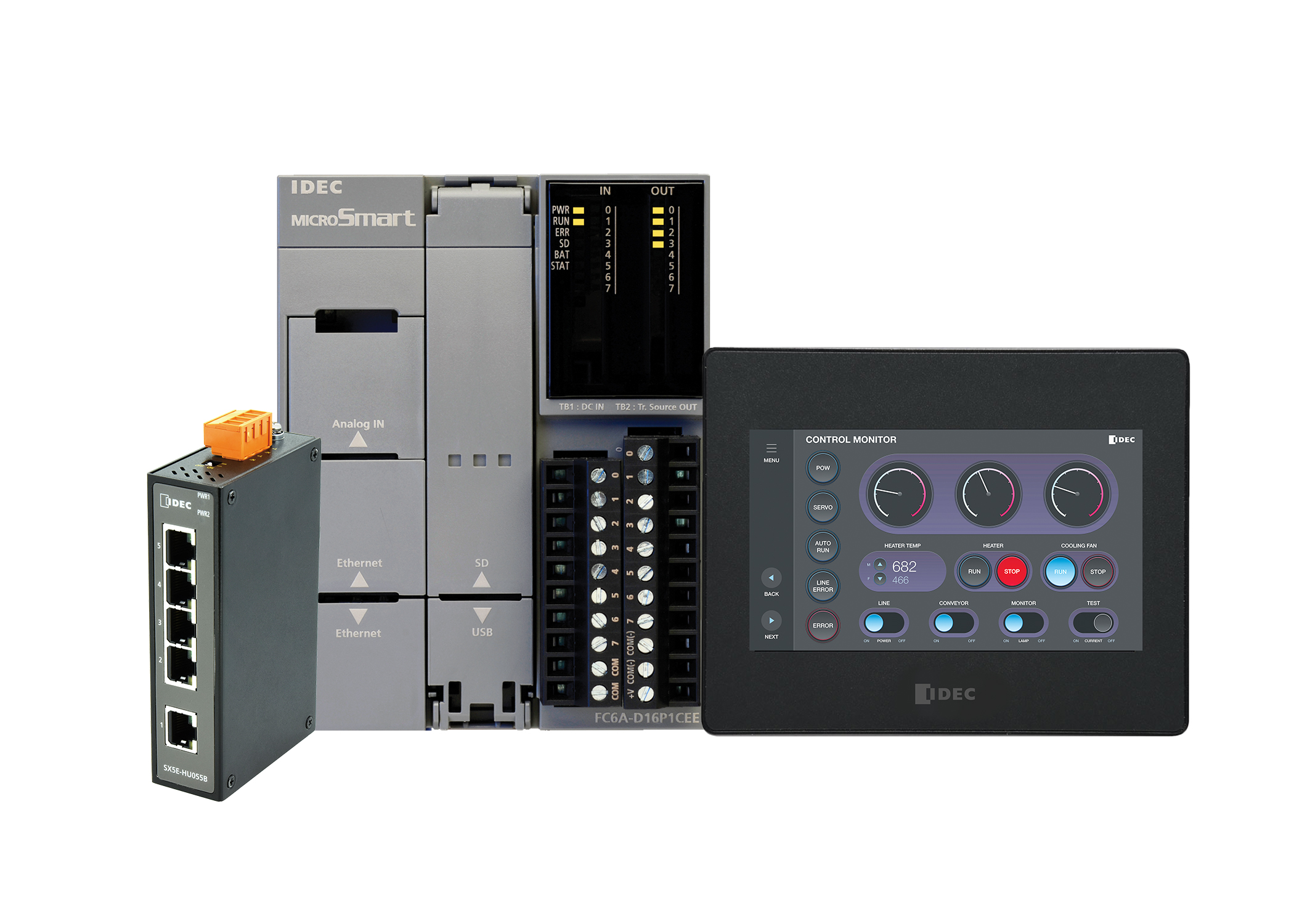 |
|||||||||||
| 4-Day Training Included | Yes |
|||||||||||
| PLC | 16 I/O MicroSmart FC6A Plus | |||||||||||
| HMI | 4.3" Color TFT, Ethernet | |||||||||||
| Ethernet Switch | 5 Port |
|||||||||||
| Power Supply | 24V DC, 30W | |||||||||||
| Cables | Yes | |||||||||||
| Software | Yes | |||||||||||
| Products included:
|
|
| Package Price | $1099 $1,927
|
|||||||||
|---|---|---|---|---|---|---|---|---|---|---|
| Product Image | 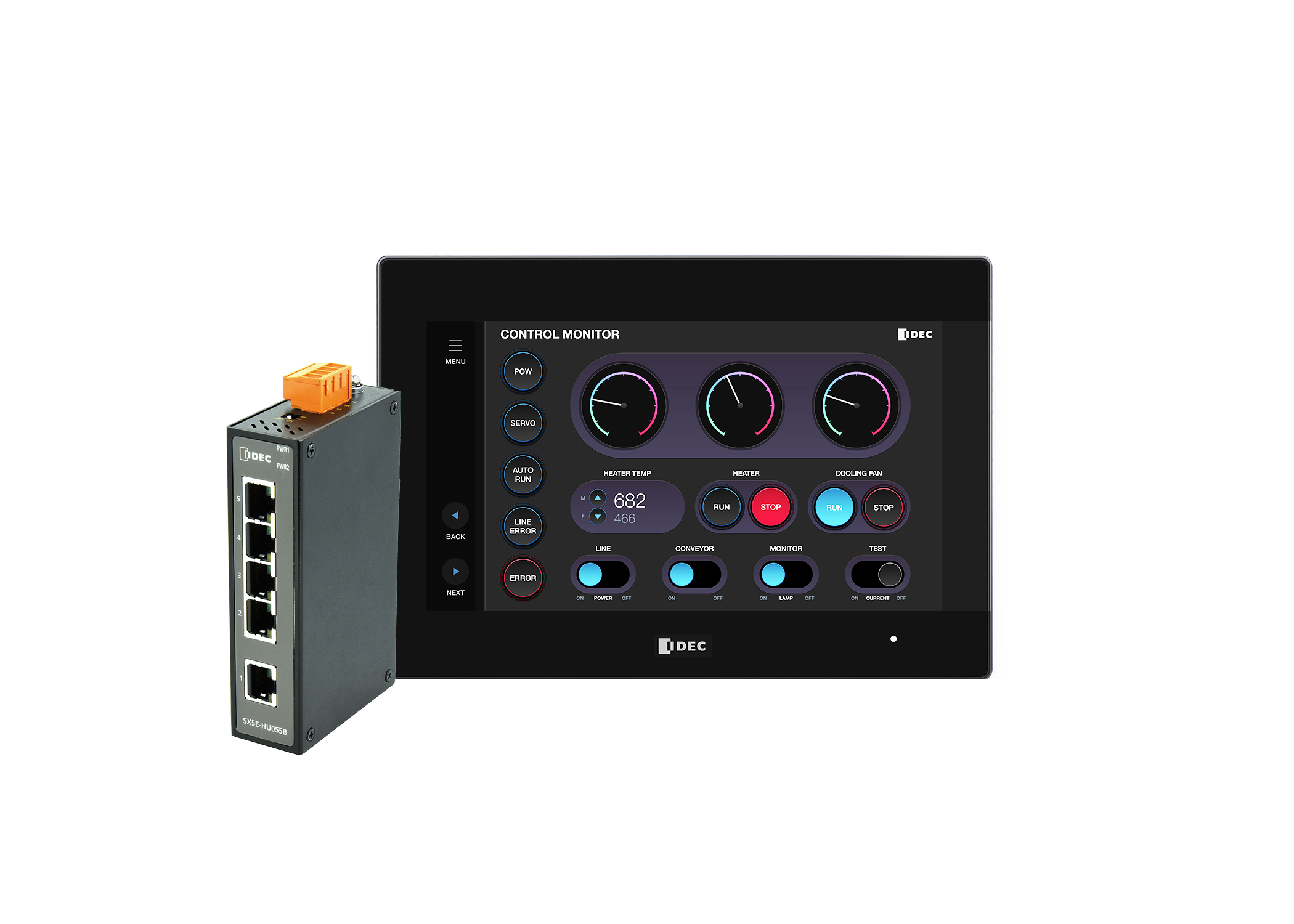 |
|||||||||
| 4-Day Training Included | Yes |
|||||||||
| PLC | 7" Combined PLC+HMI | |||||||||
| HMI Type | ||||||||||
| Ethernet Switch | 5 Port |
|||||||||
| Power Supply | 24V DC, 30W | |||||||||
| Cables | Yes | |||||||||
| Software | Yes | |||||||||
| Products included:
|
|
| Package Price | $1299 $2,102
|
||||||||||
|---|---|---|---|---|---|---|---|---|---|---|---|
| Product Image | 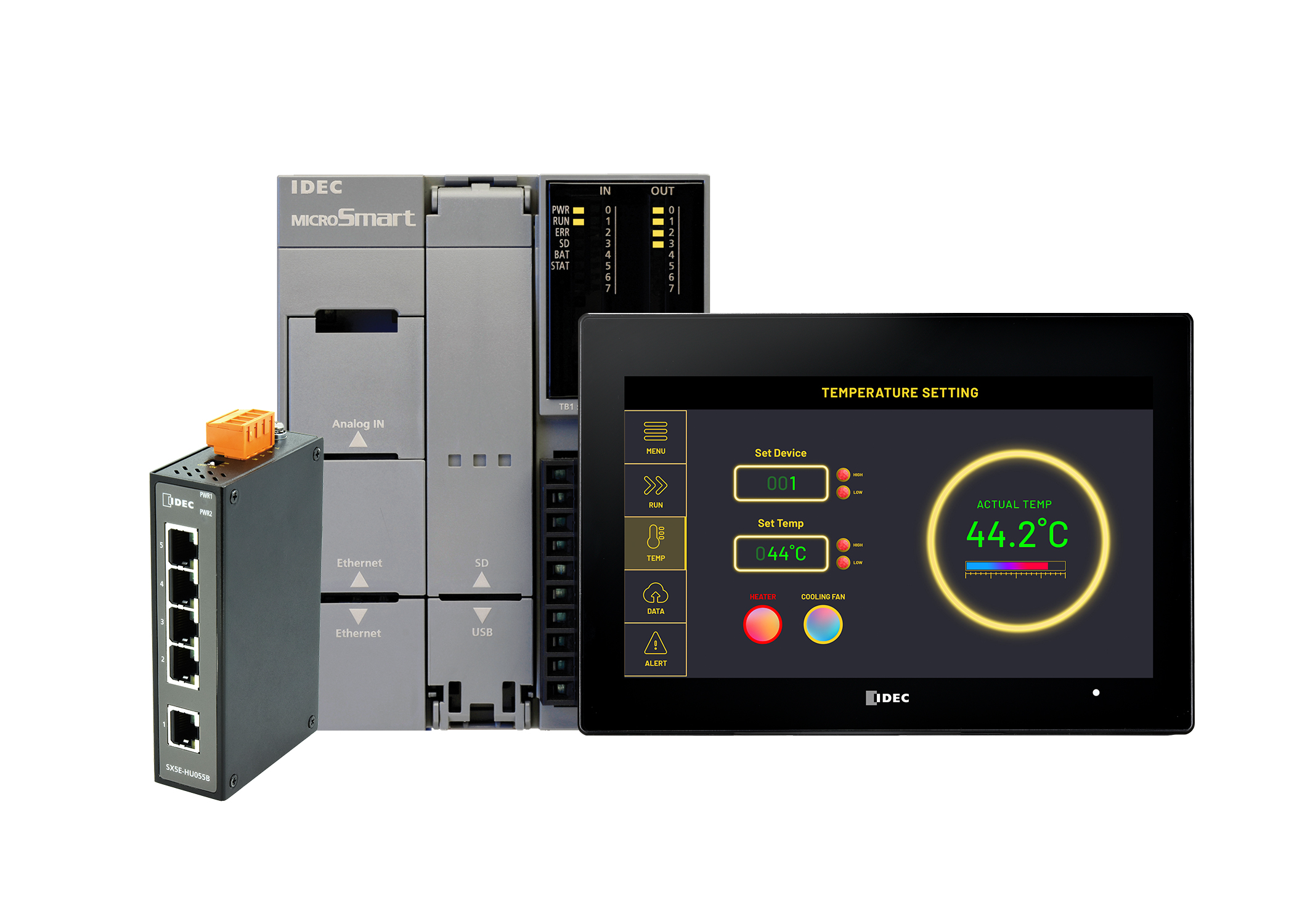 |
||||||||||
| 4-Day Training Included | Yes |
||||||||||
| PLC | 16 I/O MicroSmart FC6A Plus | ||||||||||
| HMI Type | 7" Color PCAP HMI, Ethernet | ||||||||||
| Ethernet Switch | 5 Port |
||||||||||
| Power Supply | 24V DC, 30W | ||||||||||
| Cables | Yes | ||||||||||
| Software | Yes | ||||||||||
| Products included:
|
|
| Package Price | $1499 $2,683
|
|||||||||||
|---|---|---|---|---|---|---|---|---|---|---|---|---|
| Product Image | 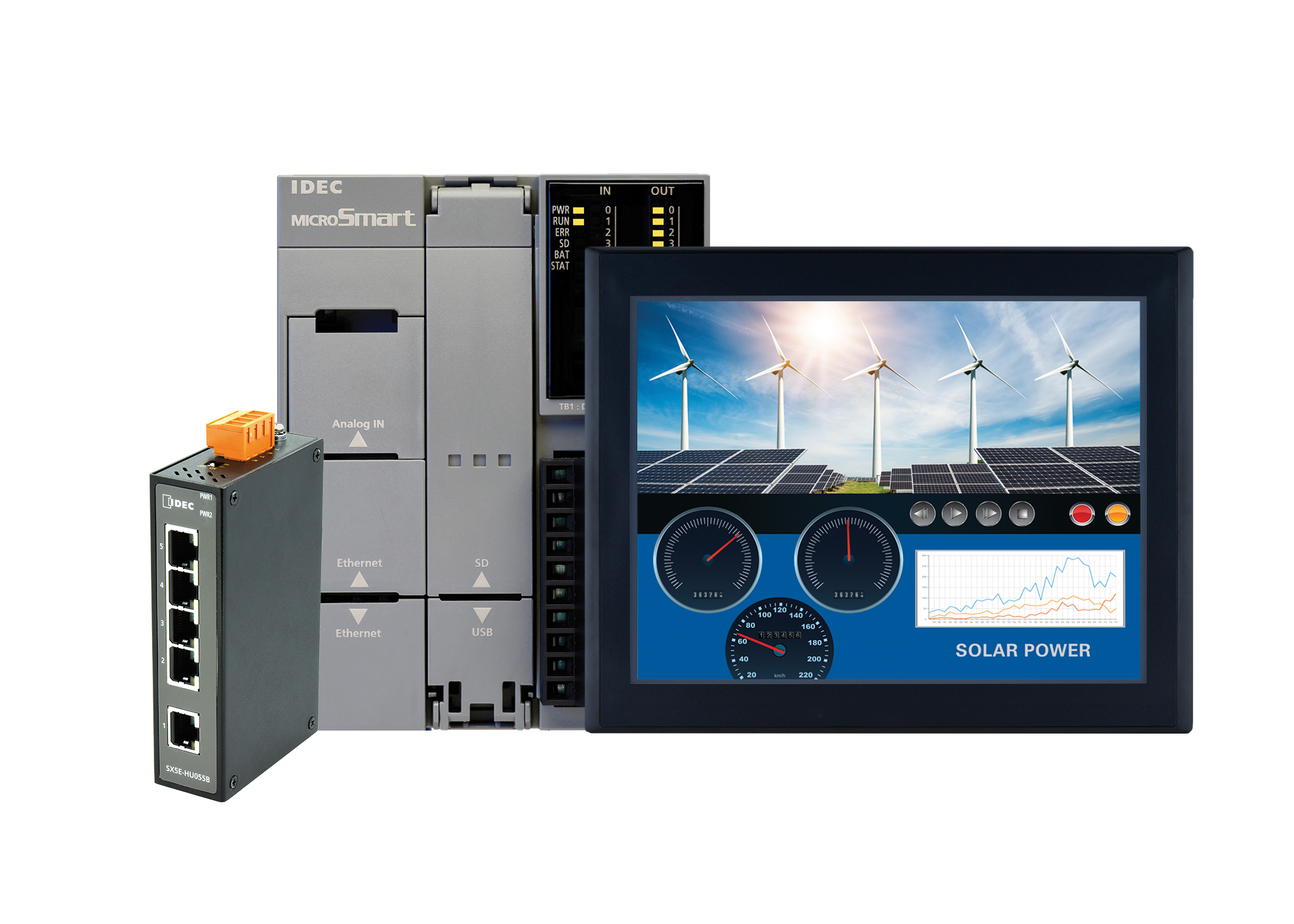 |
|||||||||||
| 4-Day Training Included | Yes |
|||||||||||
| PLC | 16 I/O MicroSmart FC6A Plus | |||||||||||
| HMI Type | 8" Color TFT, Ethernet | |||||||||||
| Ethernet Switch | 5 Port |
|||||||||||
| Power Supply | 24V DC, 30W | |||||||||||
| Cables | Yes | |||||||||||
| Software | Yes | |||||||||||
| Products included:
|
|
| Date | Location | |
| August 13-16, 2024 |
Tulsa, OK
|
Register Now |
| August 27-30, 2024 |
Midland, TX
|
Coming Soon |
| September 17-20, 2024 |
Cincinnati, OH
|
Coming Soon |
| October 15-18, 2024 |
Phoenix, AZ
|
Coming Soon |
| Price | $1049 $1847.00
|
|---|---|
| Product Image | 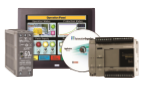 |
| 4-Day Training Included | Yes |
| PLC | 16 I/O MicroSmart FC6A Plus type, Expandable, 24V DC |
| HMI Type | 4.3", 65K color TFT, USB & Ethernet, 12 to 24V DC |
| Ethernet Switch | Yes |
| AMCI All-in-One Controller+Driver+Motor |
Size 23 w/ M12 connectors, 240 oz-in motor+indexer+drive w/ Modbus TCP and DLR w/ embedded switch |
| Power Supply | 24V DC, 120W |
| Cables | Yes |
| Software | YES |
| Part Numbers |




Get in touch with us via the links below. We will respond to you shortly.
IDEC Corporation
1175 Elko Drive
Sunnyvale, CA 94089-2209
(408) 747-0550
(800) 262-IDEC (4332)
Have questions about our products? Get in touch with the IDEC Technical Support team.
Get help, request product demonstrations, or ask for your nearest sales engineer or distributor